See the same screen
Help someone understand a setting, walk through a task or look at a problem together in a shared remote session.
REMOTE VIEWBitView is a remote desktop and support experience designed to bring your devices together—from Windows and macOS to Linux, Android and iOS.
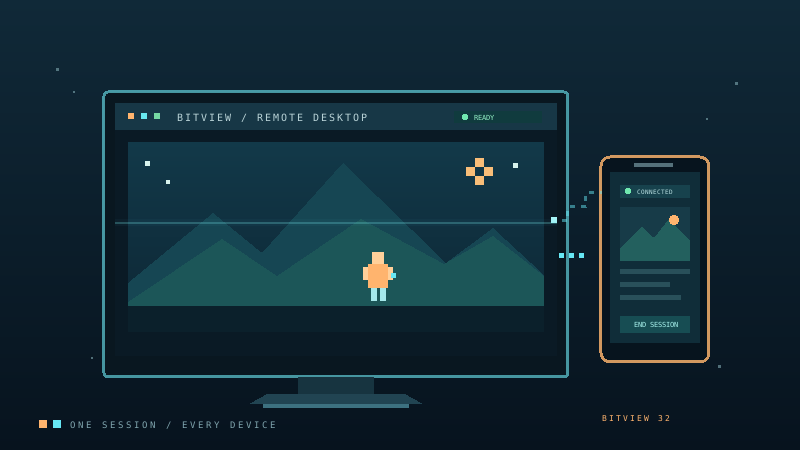
BitView is being shaped around a familiar idea: connect people to the screen they need to see, with a straightforward experience across devices.
Help someone understand a setting, walk through a task or look at a problem together in a shared remote session.
REMOTE VIEWUse a consistent product experience whether you are at a Windows PC, Mac, Linux workstation, Android phone or iPhone.
CROSS-PLATFORMKeep the connection easy to understand, with a focus on clear consent and knowing when a remote session is active.
PEOPLE FIRSTBitView aims to make remote support approachable for the person sharing a screen and the person offering a hand.
BitView is planned for the platforms people already use at home, at work and while helping someone remotely.
Remote support works best when people know what is happening. BitView is being designed with understandable connection states, consent and a clear way to end a session at the center of the experience.
Download BitView for your device. More platform releases will be added as they become available.